VR Equipment for Your Psychology Practice: What You Need
By Equipo VRET
Setting up VR in your practice takes far less than most people imagine: a standalone headset, a clinical software subscription, and a clear corner of your office. This guide breaks down exactly what equipment you actually need, what you don't need at all, how much it really costs, and how the investment pays off for a psychology practice, with no dedicated room and no technical staff required.
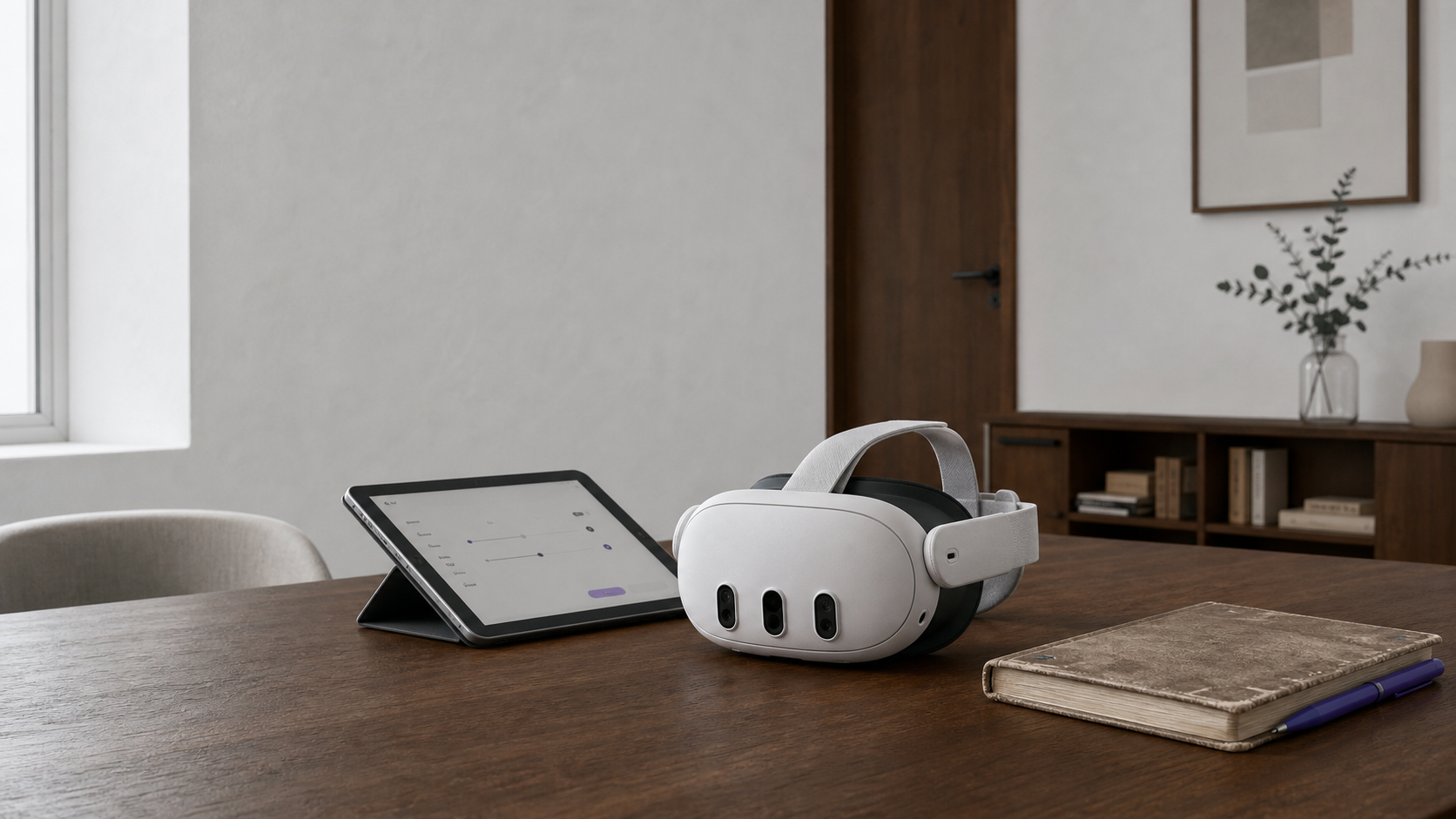
The Two Essential Components
To use VR in your practice, you only strictly need two things: a VR headset and clinical software that provides the scenarios and session control. Everything else is an extra that improves the experience, but none of it determines whether you can get started.
The headset is a one-time purchase; the software is a monthly subscription. This combination is what makes VR viable for a practice without a heavy upfront investment: most of the cost is spread out over time and tracks the revenue it generates.
If you want the clinical overview first, you'll find it in what VR exposure therapy is.
Which Headset to Choose
For clinical use, the recommended option is a current-generation standalone headset — one that runs on its own, with no cables or external computer required. These are lightweight, boot up in seconds, and their image quality is more than enough for therapeutic exposure. If you're unsure which model to pick, check our comparison of clinical VR headsets.
What really matters in practice is the comfort of the facial cushion (the patient will be wearing it for several minutes), how easy it is to clean between patients, and battery life for running back-to-back sessions. Cutting-edge graphics power is secondary for this use case.
A single headset is enough to get started. A second unit only makes sense once several therapists are working in parallel.
Another common question is whether it's worth waiting for the next model. In practice, any current-generation standalone headset already comfortably covers the needs of clinical exposure; delaying the start while waiting for the latest release usually means months without offering a tool your patients could already be benefiting from. The sensible approach is to start with what's available now and, if anything, replace the hardware a few years down the line.
The Clinical Software
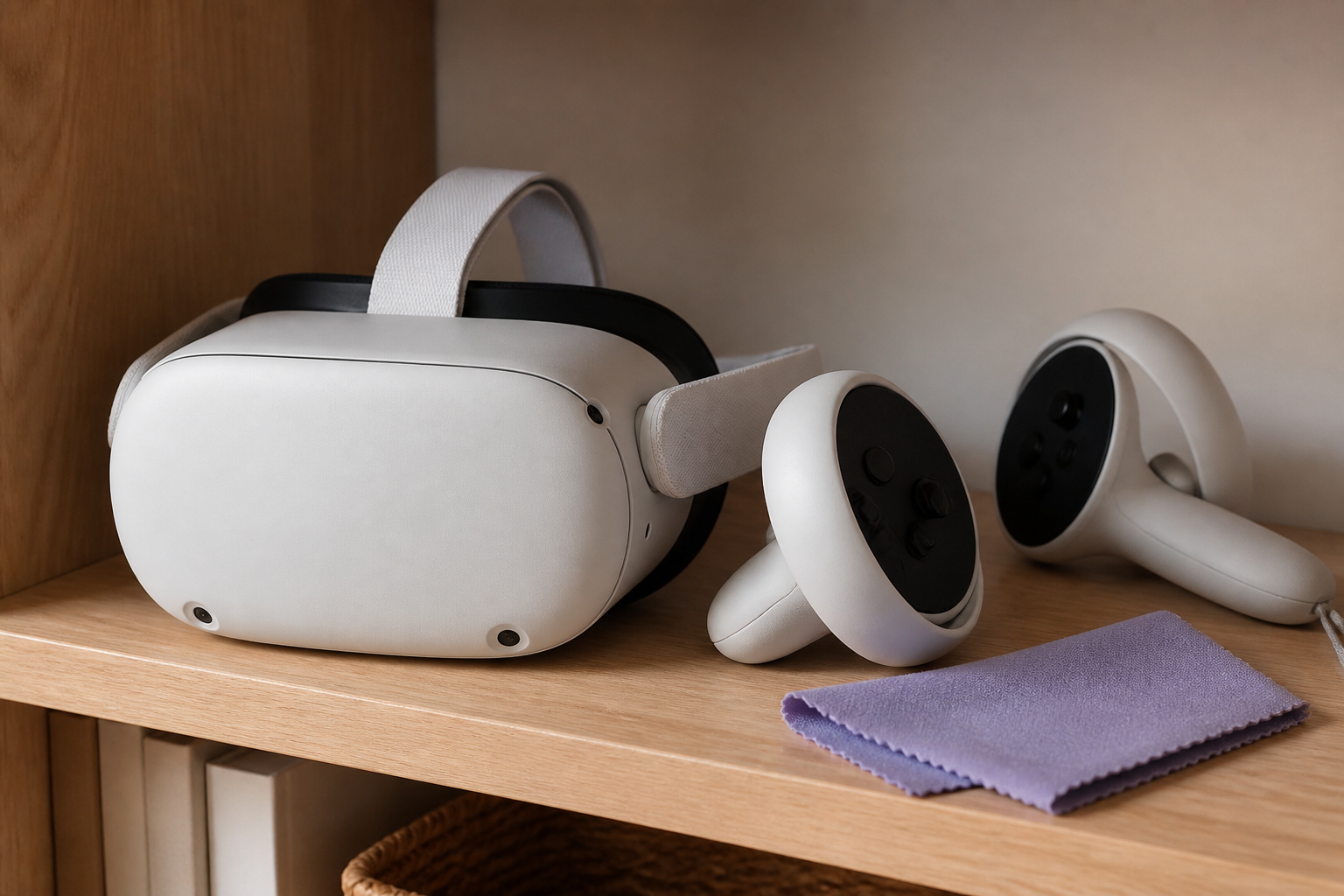
The headset is just the screen; the clinical value is in the software. Good clinical VR software gives you a catalog of scenarios organized by indication, a control panel to run the session (adjust intensity, pause, stop), and a record of the patient's progress.
Unlike downloading standalone apps from a consumer store, clinical software is built around the psychologist's workflow: consent, hierarchies, anxiety tracking, and continuity between sessions. That's what turns a consumer headset into a therapeutic tool.
It's also worth weighing support and updates: whether the catalog keeps growing, and whether there's someone to turn to when a technical question comes up in the middle of your day.
One last criterion, often overlooked, is data handling. Clinical software processes sensitive information, so check that it complies with data-protection regulation (GDPR in the EU), that session records are stored securely, and that you keep control over your patients' information. This is what separates a professional tool from a repurposed consumer app.
Space and Extras
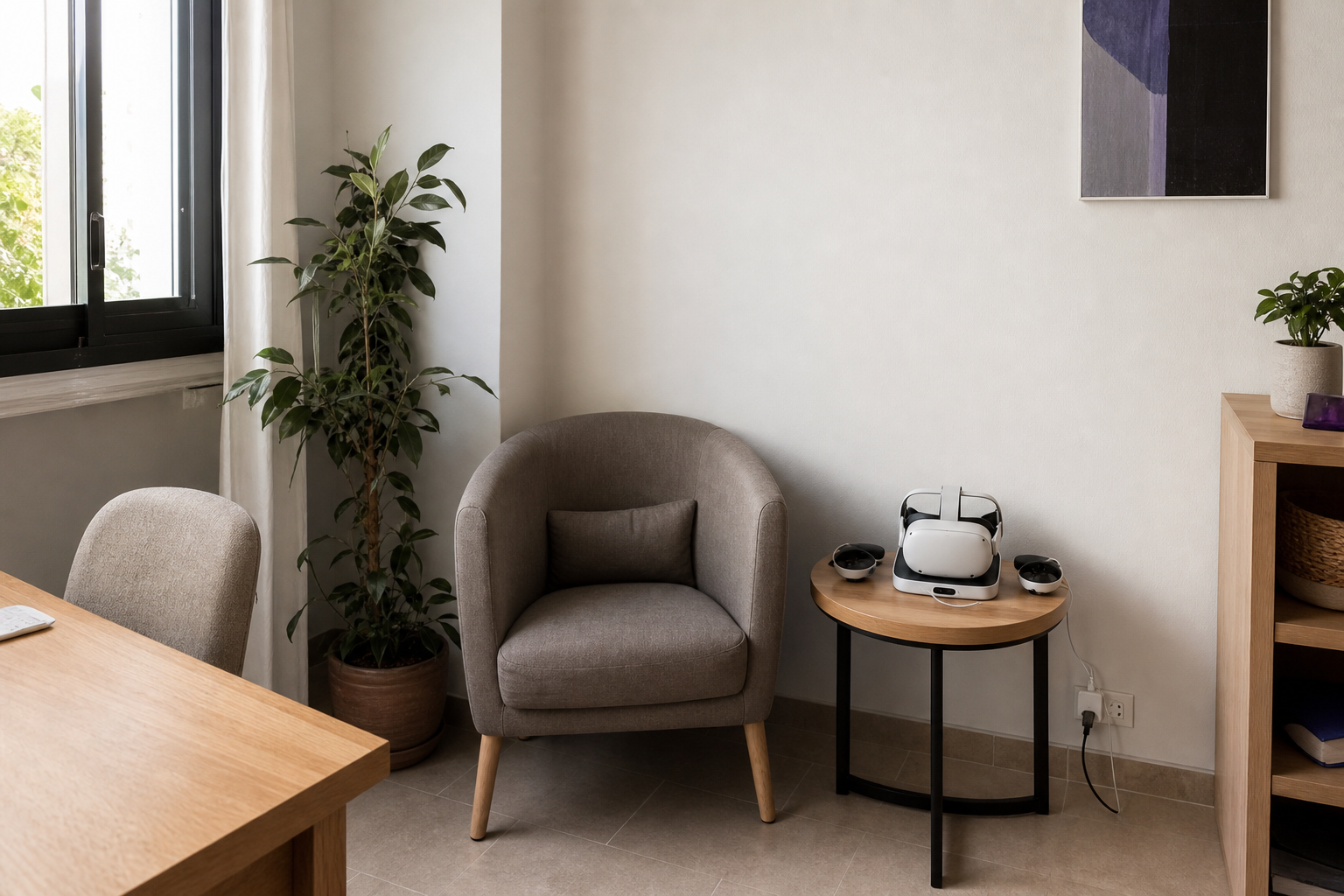
VR in your practice doesn't need a dedicated room. A clear area of about two by two meters (roughly six by six feet) around the patient's chair is enough, free of sharp-cornered furniture and cables. Most exposure sessions are done seated, which reduces both the space needed and the risk of falls.
As useful but non-essential extras: a tablet for comfortably running the control panel, a stable Wi-Fi connection, disinfectant wipes designed for the facial cushion between patients, and, if you like, headphones to reinforce sound immersion.
We cover the operational details of setting up that corner and running the first session in our guide on how to integrate VR into your practice.
Maintenance, Hygiene, and Equipment Lifespan
Maintaining VR equipment is simple, but it's worth turning into a routine. Between patients, clean the facial cushion and controllers with dedicated wipes — it's basic hygiene and part of your professional image. At the end of the day, leave the headset charging so it's ready the next morning.
As for lifespan, a current-generation standalone headset holds up for several years of normal clinical use. Software updates extend its useful life, since new scenarios arrive that way without needing to replace the hardware.
Also plan for a case or a closed storage spot: it protects your investment and keeps the equipment ready for every session.
How Much It Costs and How It Pays Off
The cost of VR for your practice has two components. The first is the headset, a one-time purchase in the professional-consumer range. The second is the monthly subscription to the clinical software, which varies by plan and number of therapists.
The sensible way to look at it is in terms of return, not expense. Many professionals offer the VR exposure session as a specific service within their practice, which allows them to recover the investment with relatively few sessions a month. Before deciding, run the numbers with real data from your own practice: price per session, number of candidate patients, and the plan's monthly cost — our guide on VR return on investment in clinical practice can help.
You can check the available plans on the VRET pricing page and organize your rollout with our checklist for bringing VR into your practice.
One note on pricing models: be wary of solutions that charge per headset or tie the license to a single device. That model makes scaling more expensive and penalizes you precisely when your practice grows. To properly evaluate VR for your practice, compare the total cost over one year — headset plus subscription — against the expected revenue from exposure sessions, not just the sticker price.
What You Don't Need
It's worth debunking a few myths, since they hold many professionals back. You don't need a powerful computer: standalone headsets run the scenarios on their own. You don't need a dedicated room or renovations: a clear corner is enough.
You don't need IT skills or a technical hire, either. And you don't need to buy several headsets to get started: one is enough to run a full individual caseload. The barrier to entry for VR in a psychology practice is far lower today than most people assume.
In short, with a headset, clinical software, and a small space, you can already start working with sound clinical judgment. Everything else is optional and can be added over time.
This article is for informational purposes for psychology professionals. It is not clinical advice for any individual case and does not replace the judgment of the licensed psychologist in charge. VRET is professional clinical-support software, not a CE-marked medical device.
Frequently asked questions
What's the minimum equipment I need to get started?
A standalone VR headset and clinical software with scenarios and a control panel. With that, plus a clear corner of your office, you're ready to work. Everything else (tablet, headphones, Wi-Fi) is an extra that improves the experience but isn't essential.
Do I need a powerful computer?
No. Today's standalone headsets run the scenarios on their own, with no need for an external computer or a dedicated graphics card. They're controlled from a tablet or a simple web panel.
How much does it cost to use VR in your practice?
There are two components: the one-time headset purchase and the monthly clinical software subscription, which depends on the plan and the number of therapists. The sensible way to look at it is in terms of return: offering VR exposure as a specific service usually recovers the investment within a few sessions a month.
How much space do I need?
Very little. A clear area of about two by two meters (roughly six by six feet) around the chair is enough, since most exposure sessions are done with the patient seated. No renovations or dedicated room are needed.
Will a regular gaming headset work?
Consumer standalone hardware works fine as a display, but the clinical value comes from the software: scenarios organized by indication, a control panel, and session records. Without that clinical software, a consumer headset isn't a therapeutic tool.
Keep reading
VRET Referrals: Working with GPs, Psychiatrists, Insurers
How to present VR exposure therapy to referring physicians: a one-page evidence sheet, standardized outcome reports, and a medication-coordination protocol.
Practice managementHow Much to Charge for a VR Exposure Therapy Session
Real VR exposure session pricing in Spanish private practice: €75-130 by city, the typical €20-40 premium over standard fees, and how to justify it to patients.
Practice managementVRET Training for Psychologists: What to Demand of It
A guide to clinical VR training options for psychologists in Spain and Europe: minimum quality criteria and red flags that signal a low-quality course.
VRET is professional clinical-support software, not a CE-marked medical device. Clinical supervision remains with the licensed psychologist in charge.